For whoever holds the phone
One slow walk, filmed.
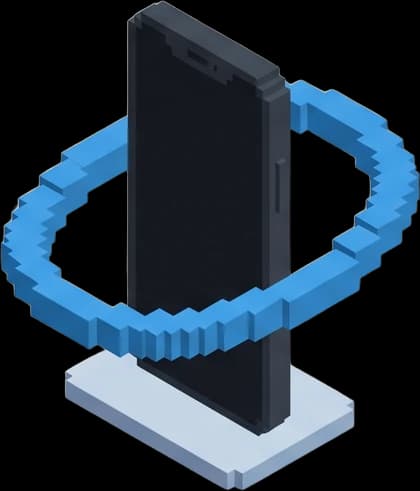
Not a set of photos. One continuous video of the whole space, walked at half pace on the phone in your pocket — that is what becomes a 3D tour people can move through.
The three that matter most
One continuous take
Front door to finish, without stopping the recording. A cut is a hole in the reconstruction.
Half your walking pace
Slower through doorways and turns. A longer, slower walk is a better tour — there is no prize for finishing early.
Three settings, once
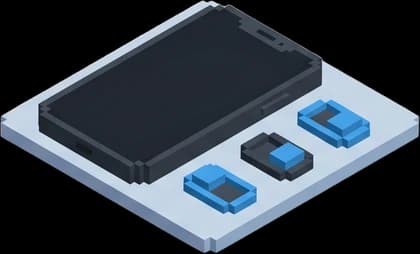
HDR off, Action Mode off, Lock Camera on. Your phone remembers them, so this is a one-time job.

The recap
Every step, in the order you shoot them
- 01
Three settings, before you walk
HDR off, Action Mode off, Lock Camera on. Then wipe the lens and check one frame is sharp.
- 02
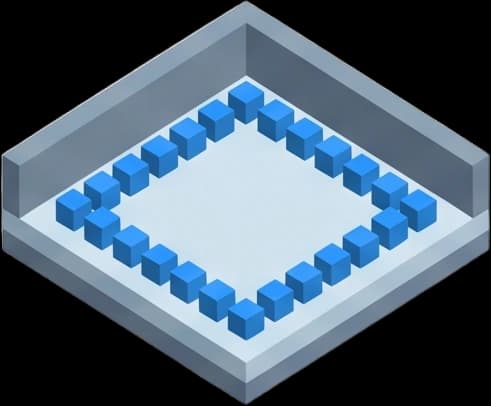
Press record once and do not stop
One continuous recording, front door to finish. A single cut fragments the reconstruction.
- 03
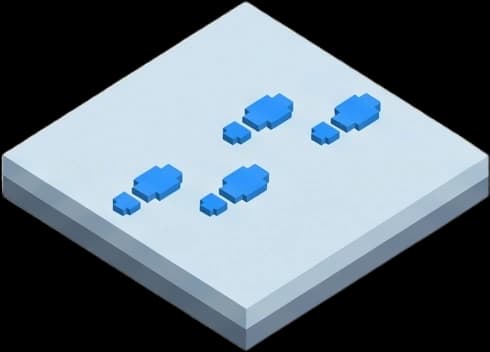
Half your normal walking pace
Half normal walking pace, and slower through turns. Blur is the one thing nothing can fix.
- 04
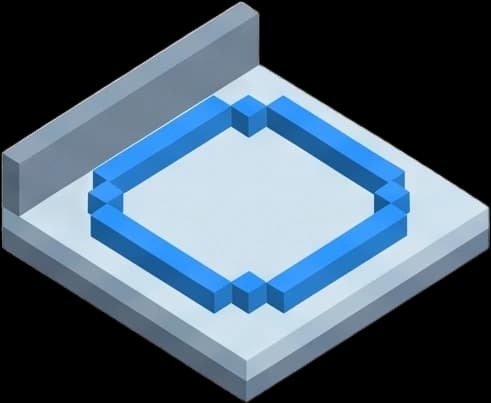
Hug the walls, not the middle
Walk the edges — at least two walls per room. Standing in the middle and spinning does not work.
- 05
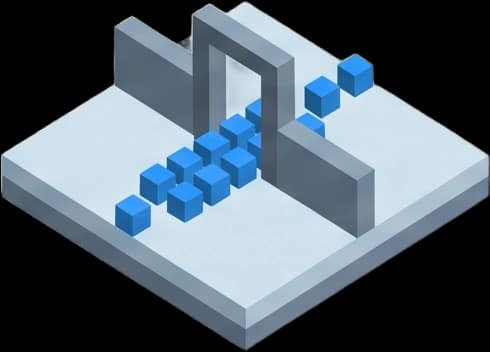
Slow to a crawl in every doorway
Pause square in every doorway and let both rooms share the frame before moving through.
Do
- One continuous recording, front door to finish
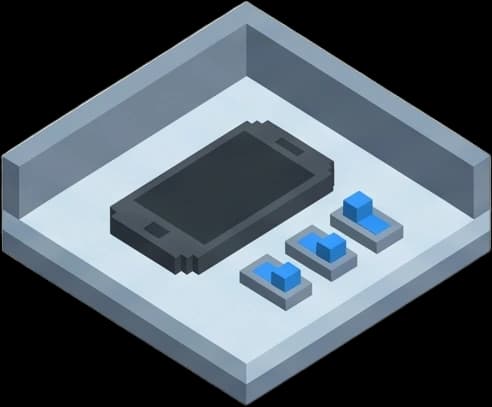
- Landscape, both hands, phone level at chest height
- Half your normal walking pace, slower through turns
- Every light on, every blind open, every door open
- Take as long as you like — a longer, slower walk is a better tour
Don't
- Stopping, pausing or trimming — one cut breaks the whole job
- HDR or Action Mode (both look fine on the phone and are not)
- Portrait orientation, filters, or panorama and fisheye modes
- Lingering on mirrors and windows, or catching yourself in them
- Stabilising, editing or exporting it — send the original file
Image policy
What we change, and what we don't
We correct exposure, colour and lens distortion, and stitch your frames into a walkthrough. We do not add, remove or move anything in the space. If the bins are in shot, they are in the walkthrough — which is why tidying beats hoping.
We check the video before anything is built and tell you if it won't reconstruct — while you're still at the space and can walk it again.